



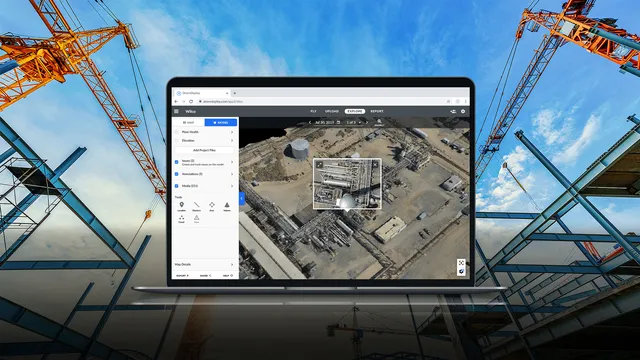
 DroneDeploy
 DroneDeployMulti-source reality capture; drone, 360 camera, and ground robot combined13 deployments · 4 countries
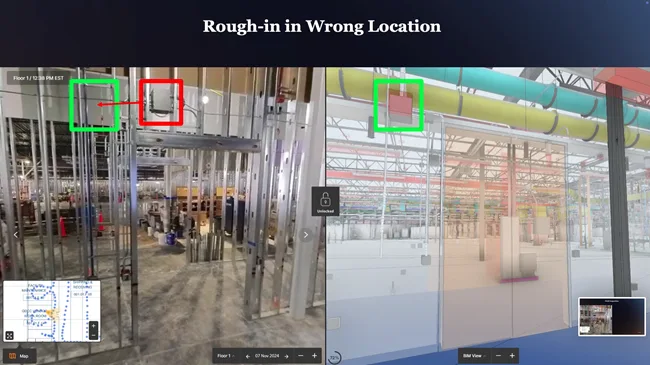 Image: Doxel
360-video progress tracker that scores completion against BIM and schedule
Doxel is a cloud-based construction progress tracking platform that uses computer vision to analyze 360-degree video captured during site walks, comparing actual work-in-place against BIM to measure percent complete across 85+ stages of construction. It covers daily walkthrough documentation, BIM-to-field comparison, and defect identification across architectural, structural, MEP, fire-protection, and other visible trades. Doxel has been shipping since 2018.
The platform overlays 360 video captures onto the project BIM using proprietary vision-based SLAM that maps camera position to BIM coordinates. It flags deviations between scheduled and actual progress at the activity level, measuring quantities installed and production rates for every trade and system.
A crew member walks the site wearing a hard hat with a mounted Insta360 camera; the platform processes the resulting video, identifies installed elements, and generates progress reports without pre-mapping or BIM modifications. The rules of credit engine converts field observations into percent-complete figures weighted by effort per trade rather than by element count.
Doxel flags incomplete and out-of-sequence work from each site walk's 360 video, so the superintendent sees a missed or skipped activity before it turns into a delay. Doxel's own QA team checks the software's element identification before results reach the project.

5 deployments · 4 companies · 1 country
As the maker states it.
DroneDeployDroneDeployMulti-source reality capture; drone, 360 camera, and ground robot combined13 deployments · 4 countries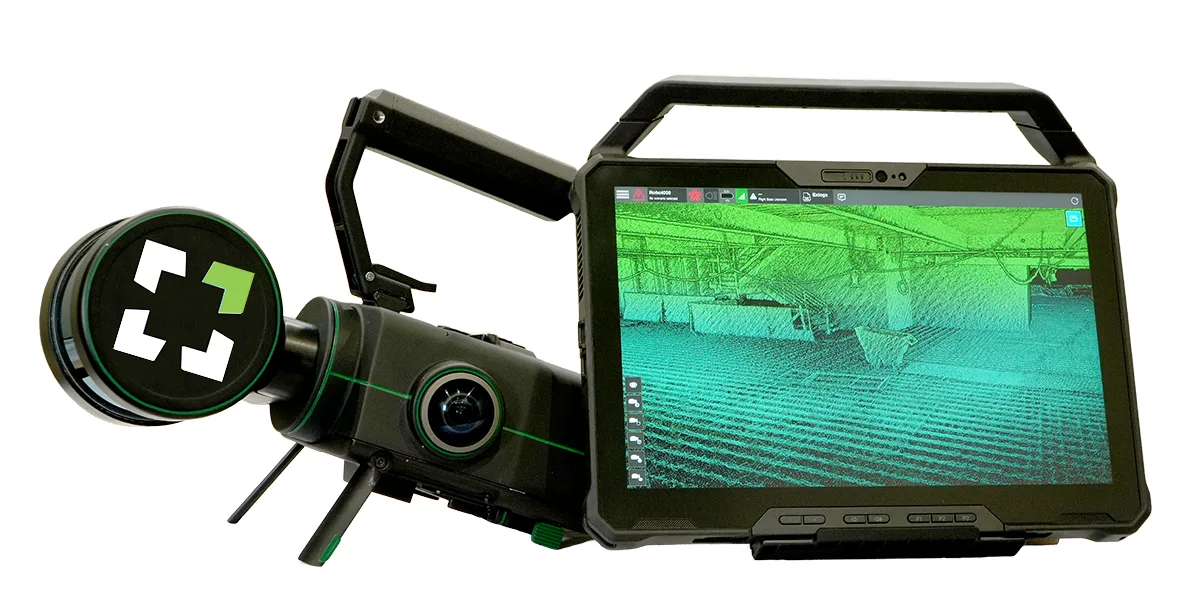 Image: Exyn TechnologiesNexys
 ExynModular autonomous LiDAR mapper deployable by drone, backpack, or ground robot4 deployments · 4 countries
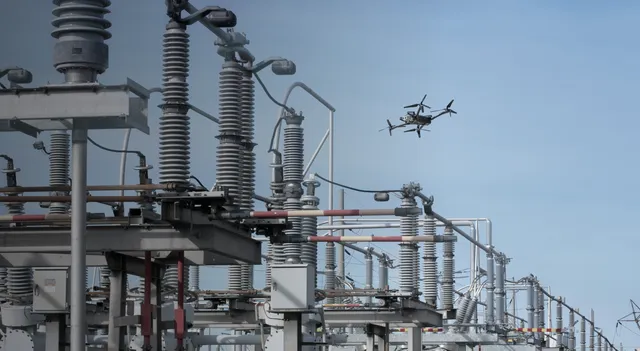 Image: SkydioSkydio X10SkydioDrone for repeatable construction site capture, pilot-flown or docked4 deployments · 1 country
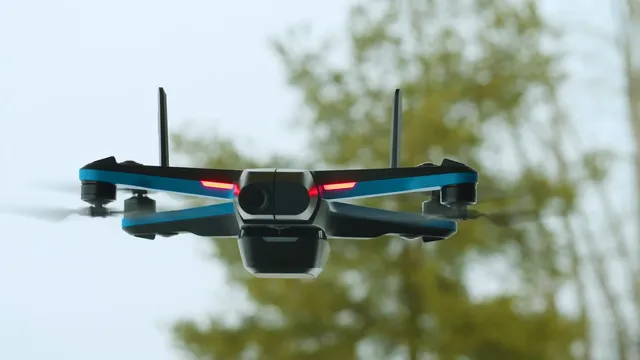 Image: SkydioSkydio 2+SkydioCompact autonomous quadcopter that flies dock-launched indoor and outdoor inspection and progress patrols2 deployments · 1 country
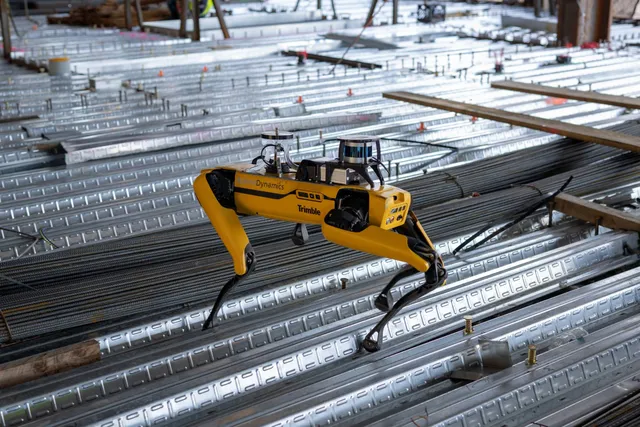 Image: Boston DynamicsSpot
 Boston DynamicsLegged robot that walks repeat capture routes on construction sites, climbing stairs with a scanning payload18 deployments · 2 countries
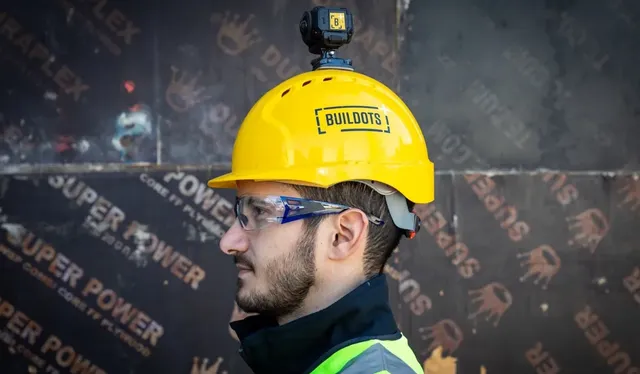 Buildots
 BuildotsCamera-on-hardhat progress tracker with BIM comparison and delay forecasting16 deployments · 6 countries
Something wrong? How corrections work